WhatsApp Automation: Connect Your Tools to Your Business Number



From manual messages to automated workflows
Automation tools connect your apps. WhatsApp is usually left out because it runs on a separate API. To add it, you need a verified business number, an API key authorized to send on it, and a provider on the official WhatsApp Business API.
360Dialog gives you all three. We onboard your number on the official WhatsApp Business API and hand you a channel API key. From there, the tool you already use does the rest: some connect through a native WhatsApp module, others through a single webhook. Either way, the message leaves your own number, not a shared one.

Native 360Dialog app
Non-technical teams already on Zapier

Verified community node
Self-hosted teams who want full control

HTTP + Webhooks modules
Visual workflow builders

HTTP trigger + code step
Developers who want code-level control

Native module
Cost-conscious teams (one-time pricing)

Webhooks service
Simple one-way notifications

HTTP + Webhook steps
Open-source, self-hosted automation
Connect WhatsApp to your tools in 3 steps
Most users go from signup to first automated message in about 30 minutes.
1
Get your API key
Create your WhatsApp channel in the 360Dialog Hub and get the channel API key. Business verification takes 24 to 48 hours through 360Dialog, instead of Meta's standard 14 days.
2
Pick your trigger
Choose the event that starts the automation: a form submission, a new order, a status change, or an incoming WhatsApp message.
3
Pick your action
Tell your tool what happens next: send a WhatsApp template, update a CRM record, add a spreadsheet row, or route the message to a person.
Lead follow-up
Message a new lead the moment a form is submitted, while they are still paying attention.
Order and delivery updates
Shipping and status notifications fired straight from your store the moment something changes.
Reminders
Appointment or payment reminders sent with a template Meta has approved, even when no conversation is open.
CRM sync
Every WhatsApp conversation logged against the right contact automatically. No copy-paste.
Internal alerts
A note to a team number when a payment fails or stock runs out.
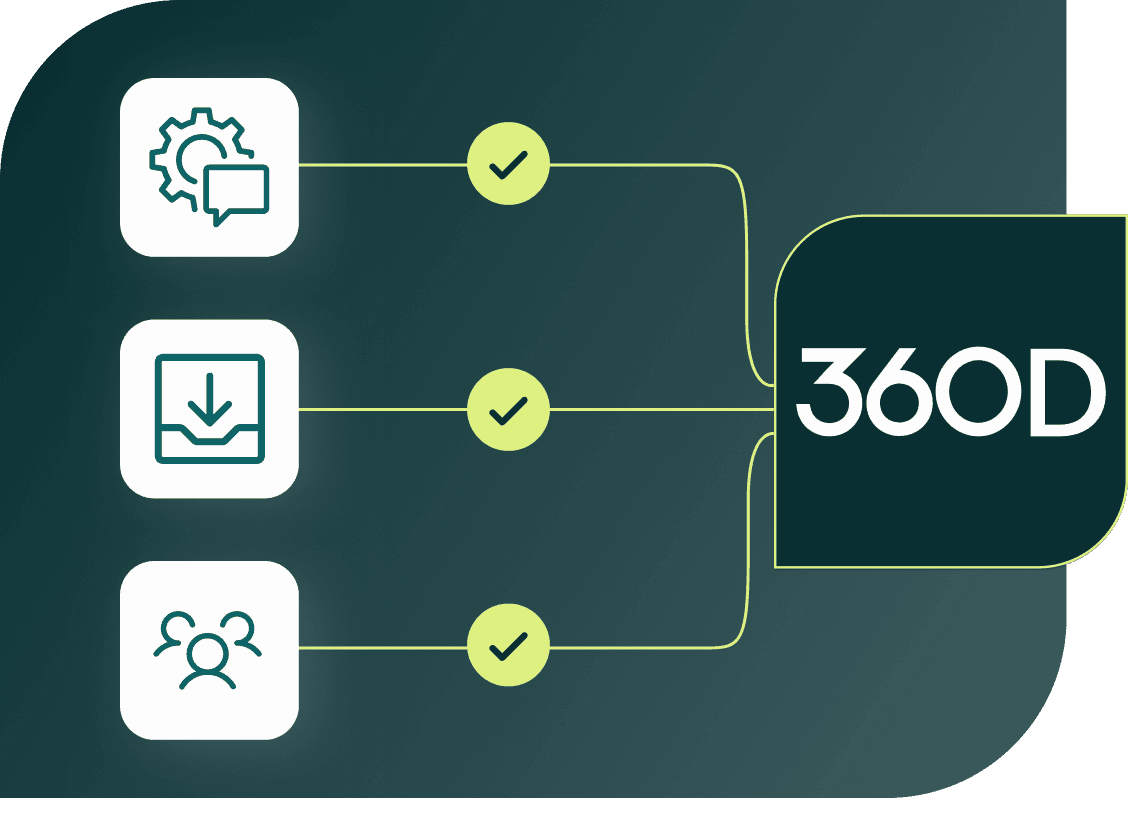
Run multiple tools on the same number
Most WhatsApp API providers limit you to one webhook endpoint per number. 360Dialog supports multi-webhook: connect your automation tool, your team inbox, and your CRM to the same number at the same time. Enable it with one API call.
This means your Zapier workflows, your team inbox for human replies, and your analytics platform all receive messages from the same WhatsApp number simultaneously.
Automation and live chat on the same number
Automation tools handle events and data, not people typing in real time. When a customer replies and needs a human, pair your workflows with the 360Dialog WhatsApp team inbox: several agents share one conversation list on the same number your automations send from, with assignment, tags, and saved replies.
Automated messages and human replies sit in the same thread. The customer sees one conversation.
Get API access

Why 360Dialog
Brands like ALDI, Nissan, and TUI run WhatsApp campaigns through 360Dialog. Whether you are automating 50 messages a day or 50,000, the API and the support scale with you.
Official Meta Solution Partner
No scraping, no workarounds, no unofficial access. 360Dialog holds Premium Tier Enterprise Support from Meta, with a direct escalation path to Meta engineering.
Transparent pricing
Meta's per-message rates, nothing added. Plans from EUR 49 per number per month. No setup fees, no per-message platform surcharge. You see exactly what you pay.
Fast to go live
Signup to first message in about 30 minutes. Business verification in 24 to 48 hours through the partner-led process, compared to 14 days through Meta's standard flow.
Built for scale
100,000+ businesses sending 2 billion messages a month. High Throughput plans support up to 1,000 messages per second for automation-heavy workloads.
Support 24/7 in 7 languages
Staffed by engineers at every support tier. English, Portuguese, German, Spanish, Turkish, Hindi, Russian.
Native integrations
Zapier integration partner with a native app in the directory. Verified community node for n8n. Native module in Pabbly Connect. Standard webhook and HTTP support for any other tool.

Lucas Zimmermann
Co-founder at Wax
Frequently asked questions
Which automation tool should I use for WhatsApp?
The one your team already runs on. Zapier, n8n, Make, Pipedream, Pabbly Connect, IFTTT, and Activepieces all connect to the same 360Dialog channel. Pick the tool, follow the setup guide on the blog, and your first message can go out the same day.
→
Do I need a developer?
For most tools, no. Zapier, Pabbly Connect, and Make set up from their own dashboards with your 360Dialog API key. Code-level tools like Pipedream ask for comfort with a fetch call. n8n needs someone with admin access to install the community node.
→
Is this the official WhatsApp Business API?
Yes. 360Dialog onboards your number with Meta and your messages go through the official WhatsApp Business API. Nothing here scrapes WhatsApp Web or drives a phone.
→
Can I use more than one tool on the same number?
Yes. Enable multi-webhook on the number with one API call, and multiple tools receive from the same number at the same time. Your automation platform, team inbox, and CRM can all connect simultaneously.
→
Can I test before going live?
Yes. You can try the setup with the sandbox before you connect a live number, then switch the API key when you are ready to go live.
→
What does it cost?
Plans start at EUR 49 per month per number. Meta's per-message fees are passed through at cost with zero markup. There are no setup fees and no per-message platform surcharge.
See pricing details
→
